
Weekly pool routes, with the readings on every stop.
Every pool on a weekly or every-other-week route is a recurring job. Routes come straight from the schedule, technicians record the readings your job type asks for before a stop can close, and repair calls fit in between.
Pool service companies
The weekly route, set up once
A weekly cleaning is a recurring job at the customer’s address with its frequency, time on site and price per visit, and Sentra Scheduler adds up what each route is worth in a year. Visits wait in the week they’re due; drop them onto a technician’s day on the schedule.
When a route gets too long, the forecast shows hours needed by month against the hours your technicians can work, so you can see when to hire before summer.
Stops in driving order
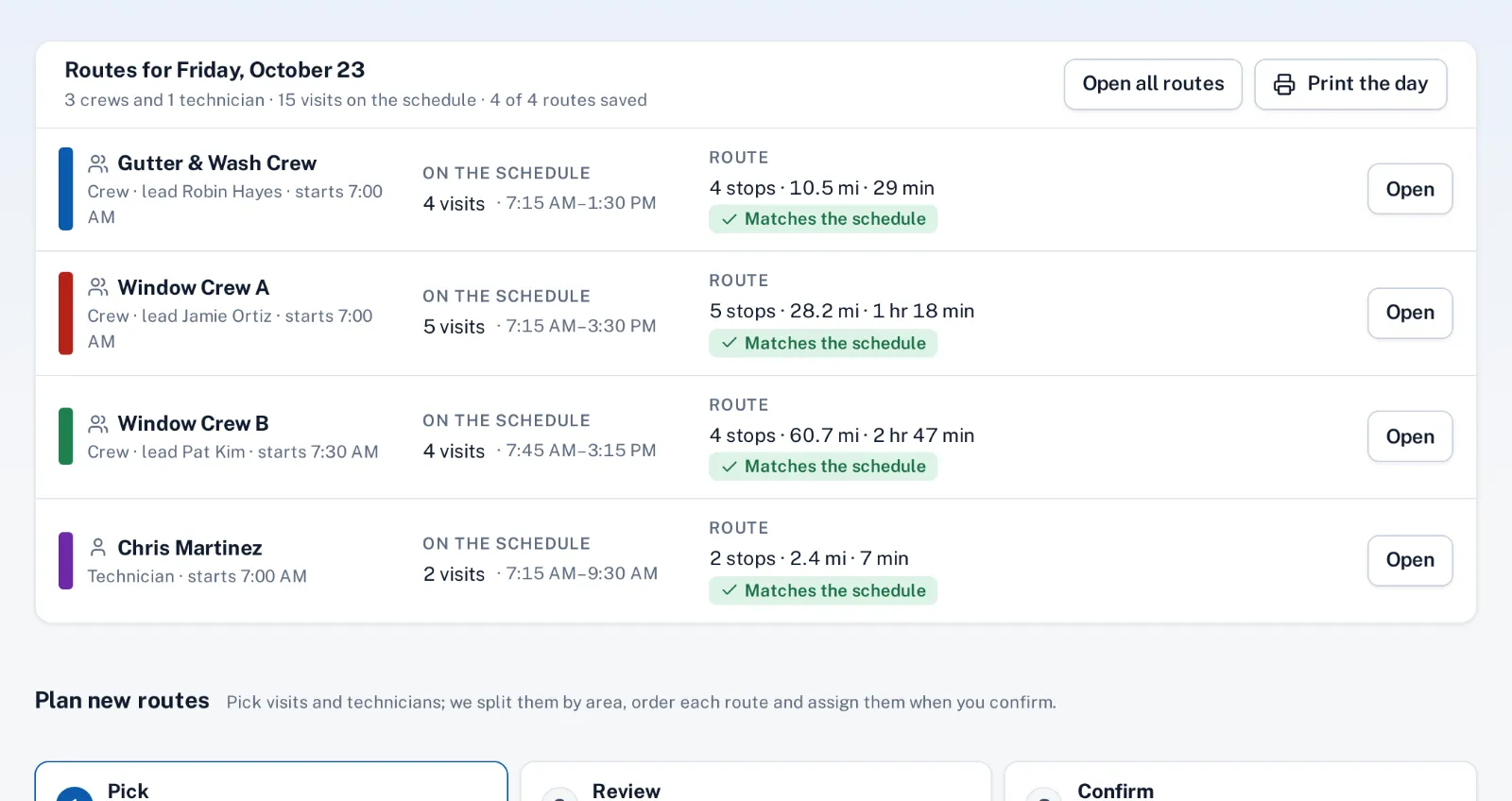
Each technician’s day becomes a route on Dispatch, in the order of the schedule, with drive time between stops. Rearrange the stops and the visit times follow. In the crew app, Today lists the stops by time with the gate code or access note for each site, and Navigate opens the phone’s maps app.
Rain or a holiday? Move a day’s or one technician’s visits to another date and email the affected customers in one step.
Readings and proof at every stop
Give the weekly service job type close-out questions such as chlorine, pH and what was added, and make them required, with an after photo of the water. The answers are on the visit for the office, and the done email shows the customer the photo.
Repair calls, like a pump that won’t prime, come in from the request button on your website or a call, with a response time per job type.
How it works
- Office
Pools on the route
Weekly and every-other-week cleanings as recurring jobs.
- Office
Route for the day
Stops in schedule order with drive time; rearrange as needed.
- Technician
Technician on site
Access notes on Today, Navigate to the next pool.
- Technician
Readings and photo
Required readings and an after photo before the stop closes.
Why it fits
Weekly and every other week
Recurring jobs with time on site and price per visit.
Routes that follow the schedule
Stops in order with drive time; rearrange and times follow.
Readings before close
Required close-out answers like chlorine and pH, plus an after photo.
Access notes on the stop
Gate codes and notes on Today, before the technician walks in.
Repair calls on a clock
Each job type has its own response time in business hours.
Room to grow
Hours needed by month against your technicians’ capacity.
Explore the features
Recurring jobs
Weekly, monthly, quarterly or on-call work, with the visits made for you
Learn moreDispatch & routes
The day’s routes from the schedule, along real streets
Learn moreCrew app
Today’s jobs, the route and close-out on a phone or iPad
Learn moreProof of work
After photos and required answers before a job can close
Learn moreForecast
The year ahead in hours and dollars, against what your crews can do
Learn moreRequest widget
One script tag adds a “Request service” button to your website
Learn moreCommon questions
Can technicians record water readings?
Yes. Add close-out questions to the job type, such as chlorine, pH and chemicals added, and make them required before the visit can close.
Does it track chemical inventory?
No. Chemicals added can be recorded as close-out answers on each visit, but there’s no stock count.
Can a customer skip a week?
Yes. Unschedule or move that visit; the recurring job keeps the next ones coming.
Do customers need an app?
No. They get emails and a private tracking page, and request repairs from the button on your website.